Termivio is in early testing. Some features may be unstable or change without notice, and the helper is not ready for critical production work yet. macOS and Linux helper betas are public now.
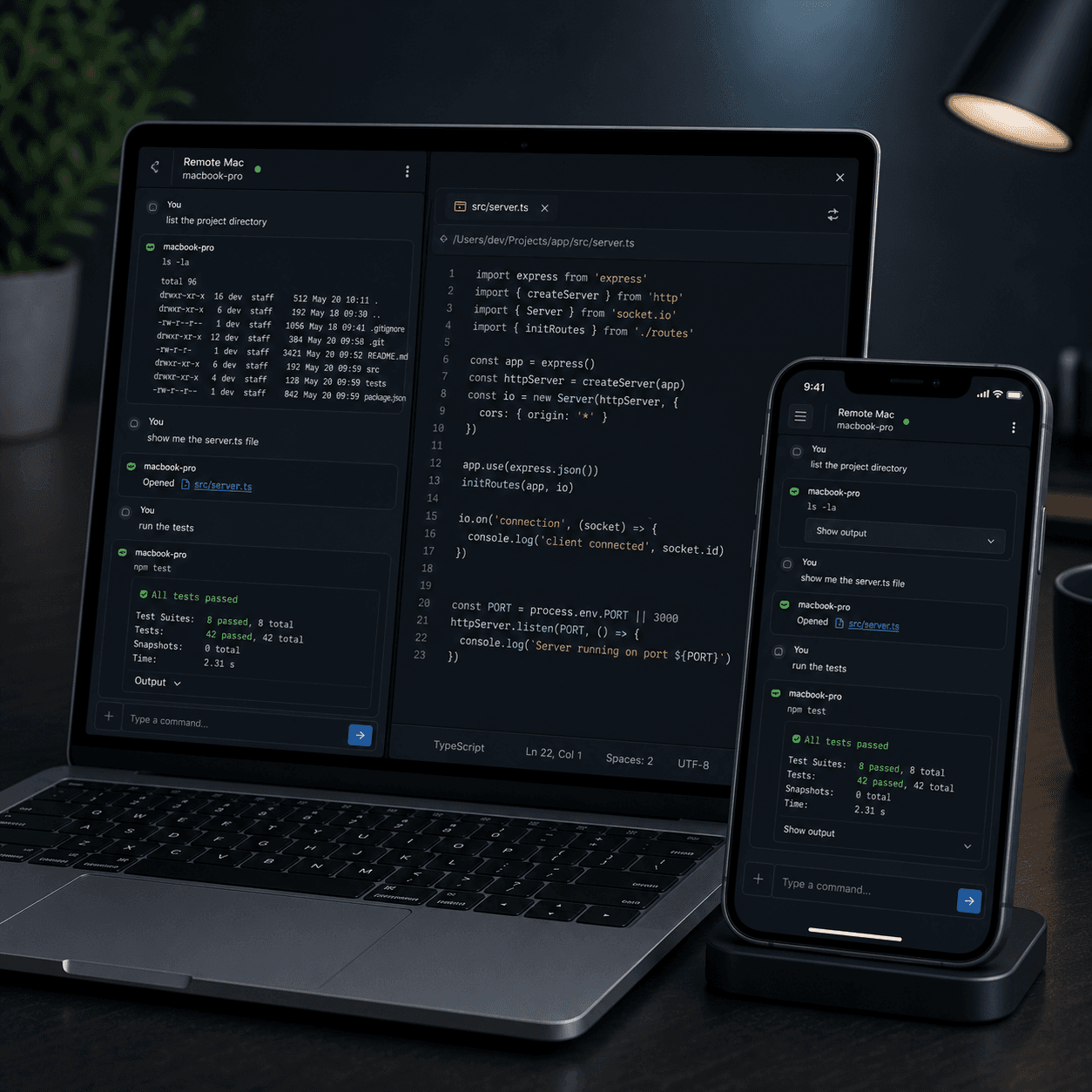
No SSH. No VPN. Pair your machine once.
Your terminal, always reachable.
Keep terminal sessions running locally. Reopen them from your phone and respond when they need input.
Setup
Pair once. No SSH keys, ports, or VPN.
Reach
Direct nearby. Hosted relay when away.
Memory
Session history stays local by default.
The urgent job
I left something running.
Tests, deploys, dev servers, database jobs, and CLI agents often keep working after you leave the desk. Termivio turns that running work into a mobile session inbox instead of asking you to configure SSH or start over.
Install the helper
Start the Mac or Linux helper that owns your local terminal sessions, transcript history, and machine identity.
Pair your machine
Scan a QR code or enter a pairing code. The normal path does not require SSH hostnames, ports, or mobile keys.
Continue the session
Open your phone and jump back into the terminal work already running on your machine.
Relay when away
Use direct local access when nearby, or Remote Access Pro hosted relay when you leave the network.
30-second demo
Your desktop runs the work. Phone keeps you in control.
See the real flow: Claude Code or a test runner is waiting, the phone opens the same raw terminal, and the user replies, stops, or keeps the transcript ready for handoff.
Your desktop terminal starts Claude Code, tests, or a dev server.
Phone shows the running session and whether it needs input.
Tap the row to resume the raw terminal from the same local session.
Reply, stop the command, or keep the transcript ready for handoff.
Session inbox
Ubuntu dev box / termivio-web
Claude Code session
~/projects/cloud-code
Waiting for approval before running test suite
Next dev server
ready on localhost:3000
$ claude "fix the flaky websocket reconnect"
Reading terminal history from local session...
Waiting for approval before running test suite
$ pnpm test -- --runInBand terminalWorkspace
PASS 74 tests
Why it is not another SSH app
Connect to the work, not just the machine.
Generic SSH tools are strong when you know the host, key, port, and server you want. Termivio starts from the running local session and keeps the raw terminal available when you need it.
Session-first, not host-first
Open the work that is already happening instead of starting from a saved host profile and rebuilding context.
Needs-action inbox
See waiting input, failed commands, finished tests, or ready dev servers without reading full scrollback.
Handoff-ready history
Keep terminal history local first, with AI handoff export planned after the session inbox is stable.
Raw PTY stays real
The app renders the actual terminal. Agent state comes from terminal output and real session events.
Ubuntu dev box
direct nearby
Message or command
pnpm test -- --runInBand
PASS 74 tests
Local history keeps commands, cwd, important output, and session status available for later AI handoff export.
Mobile input for real terminal work
Reply, stop, or keep watching.
The phone experience should make common terminal supervision easy: large actions, readable output, raw PTY when needed, and no hidden app-level agent state pretending to be the terminal.
Local-first trust
Your terminal memory stays yours.
Local sessions and history stay on the user machine by default. Hosted relay is a paid reachability layer, not the source of truth for terminal memory.
View community self-host on GitHubLocal session memory
Terminal transcript history stays on your machine by default. Hosted relay should not become the source of truth.
User-owned history
The session record stays local first. Future handoff export should remain explicit and user-controlled.
Relay is transport
Remote Access Pro is paid convenience for reachability, not a requirement for local/direct work.
Self-host remains free
Technical users can run the community relay path with their own DNS, secrets, and operating model.
Simple launch pricing
Local is free. Hosted relay starts free daily.
Start with hosted relay pairing or direct local access. Upgrade only when you want unlimited managed relay convenience away from the same network.
Free Local
Pair one Mac or Linux machine and use direct local access, local session history, and raw terminal reconnect while you are on a reachable network.
A$0
- Pair one machine
- Direct local access
- Local session history
- Raw terminal reconnect
Community Self-Host
Run the community web and relay stack yourself when infrastructure control matters more than managed convenience.
A$0
- Apache-2.0 helper path
- Your relay and DNS
- Your operational responsibility
- No hosted relay SLA
Remote Access Pro
Hosted relayManaged hosted relay for reaching your running terminal away from the same network, with push and deep-link convenience on the paid roadmap.
A$9.99/mo
- Hosted relay access
- Remote reach without VPN setup
- Managed relay convenience
- A$59/year option
Start with the helper beta
Install Termivio, pair your machine, then continue the session from your phone.
Signed macOS DMG and Linux helper artifacts are public in the Goroutine release repo.